Neovim IDE
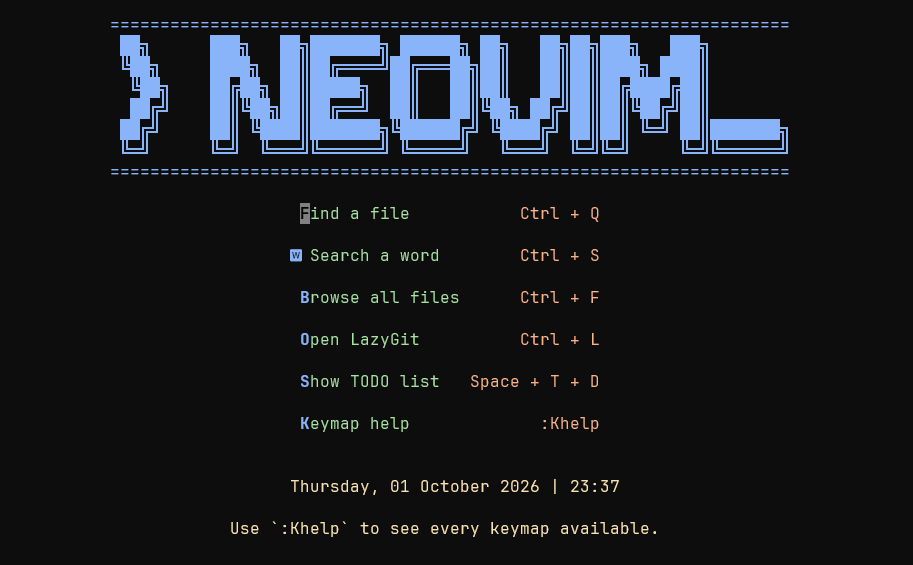
What is Neovim?
Neovim is a text editor that runs in the terminal. It is highly configurable and can be turned into a complete IDE.
After years of using heavy IDEs like Visual Studio and IntelliJ (also Eclipse, but that gives away my age), I learned they are far too heavy for simply making adjustments and validating code.
I discovered Neovim at the start of college in 2016. Since then I have been learning to use this complex tool, full of details such as keyboard shortcuts, movement within a file, and custom configurations.
I started building my own personal configuration to test and develop, which made me fall in love with this technology: we can plug in plugins and set up colors and shortcuts to our liking.
Today, with the world focused 100% on the terminal and AI being run directly on our own machines, knowing how to use this tool has become more and more necessary.
Why use it
After years of using Neovim, I came across a group of plugins and configurations written in Lua (a language created in Brazil) that made it easier to configure and organize my Neovim.
Now I have a personal version with a set of plugins (some of which I wrote myself) that help me develop every day.
Besides being free to use, I shaped the software the way I like and need it to build my projects.
How to use my version
This documentation shows every configuration and detail of what I did over the past years to get my Neovim to where it is today. Besides showing the world how I set it up, I keep the whole process written down so I can redo it if needed.
Below is the list, in order, of how to set up and use this wonderful IDE I built. Sit back and enjoy the ride.
 lua
lua